
The world of technology is constantly evolving, with new innovations emerging that reshape how we interact with our devices and access information. Recently, news broke that Amazon plans to leverage cloud-streamed apps for its new Vega-based Fire TV dongle. This isn’t just a clever launch strategy; it’s a glimpse into the sophisticated engineering that underpins much of our digital lives. For STEM students, this development offers a fantastic opportunity to explore fundamental concepts in computer science, networking, and distributed systems. It highlights how complex problems, like instantly providing a vast library of applications to a new device, are solved using cutting-edge, yet often invisible, technology.
Main Technology Explanation
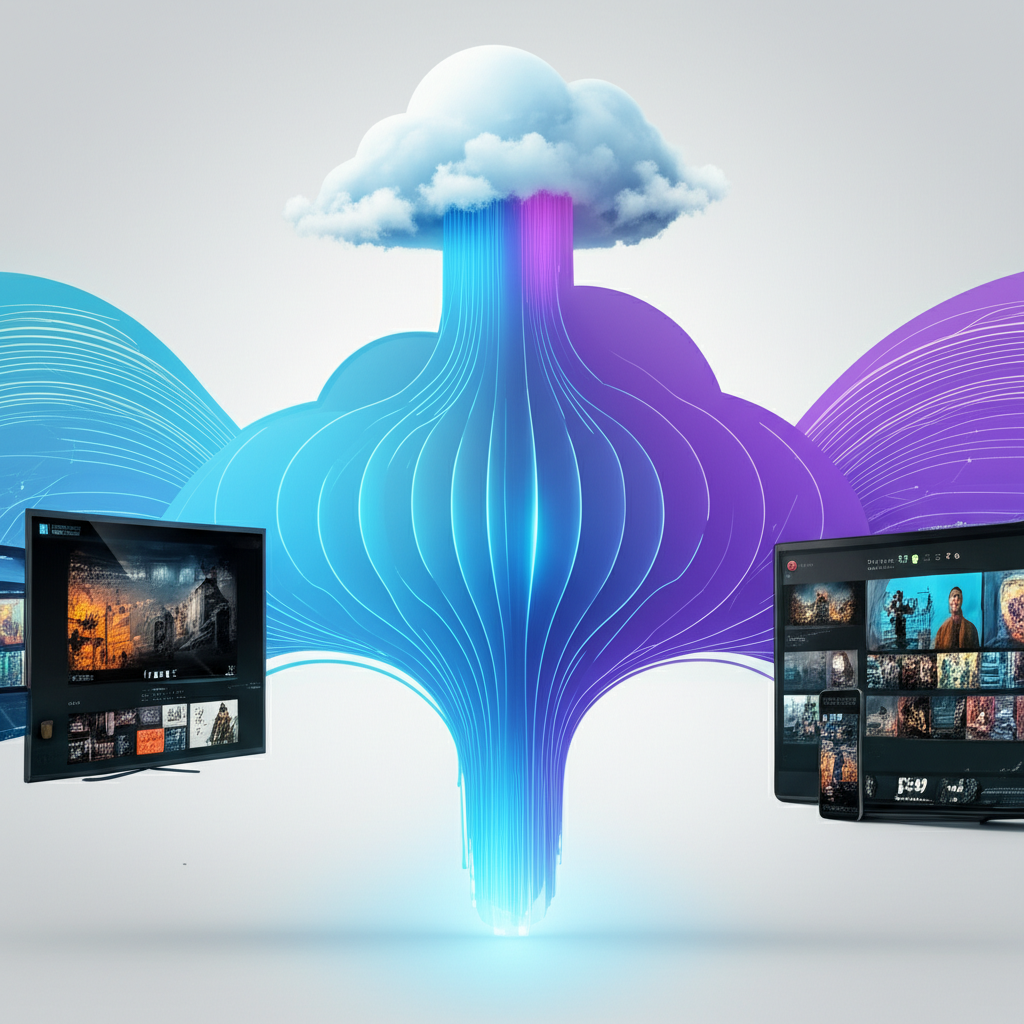
At its core, cloud-streamed apps represent a paradigm shift from traditional software delivery. Instead of downloading and installing an application directly onto your device, the app runs on powerful servers located remotely in a data center – the “cloud.” Your device, whether it’s a Fire TV dongle, a smartphone, or a laptop, then acts as a thin client, receiving a video stream of the app’s output and sending your inputs (like button presses or touch gestures) back to the server.
The “Cloud” and Virtualization
To understand cloud streaming, we first need to grasp the concept of cloud computing. Imagine a massive collection of interconnected computers, storage devices, and networking equipment housed in a secure, climate-controlled facility – this is a data center. Cloud providers like Amazon Web Services (AWS), Microsoft Azure, or Google Cloud Platform own and manage these data centers, offering their computing resources as a service over the internet. This allows individuals and companies to rent computing power, storage, and software without having to buy and maintain their own physical infrastructure.
A crucial technology enabling the cloud is virtualization. Think of a single, powerful physical server. With virtualization, this server can be partitioned into multiple isolated virtual machines (VMs), each behaving like an independent computer with its own operating system, memory, and processing power. This means one physical server can simultaneously host dozens or even hundreds of virtual instances of an application. For cloud-streamed apps, this allows a single data center to run countless instances of various applications for many users concurrently, maximizing resource utilization and efficiency.
How Apps are Streamed
The process of streaming an application involves several key steps:
- Server-Side Execution: When you launch a cloud-streamed app, a virtual instance of that app is spun up on a remote server in the data center. The entire application, including its operating system and all its processes, runs on this server.
- Rendering and Encoding: As the app runs, its graphical output (what you would normally see on your screen) is rendered on the server. This rendered video feed is then compressed and encoded into a streamable format, similar to how a video game or movie is streamed.
- Network Transmission: The encoded video stream is sent over the internet to your device. Simultaneously, your device captures your inputs (remote control commands, mouse movements, keyboard strokes) and sends them back to the server.
- Client-Side Decoding and Display: Your device receives the video stream, decodes it, and displays it on your screen. It also sends your inputs, which the server interprets as if you were interacting directly with the application running locally.
The Role of Networking and Latency
For cloud streaming to be effective, networking is paramount. The speed and reliability of the internet connection between your device and the data center directly impact the user experience. Latency, the delay between sending an input and receiving the corresponding visual feedback, is the biggest challenge. High latency can make an app feel sluggish or unresponsive. Engineers work tirelessly to minimize latency through:
- Geographic Distribution: Placing data centers closer to users.
- Optimized Network Protocols: Using protocols like
UDP(User Datagram Protocol) for faster, though less reliable, transmission of real-time data, often combined withTCP(Transmission Control Protocol) for critical data. - Compression Algorithms: Efficiently compressing video streams to reduce bandwidth requirements without sacrificing too much visual quality.
- Edge Computing: Processing data closer to the source of generation (your device) rather than
This article and related media were generated using AI. Content is for educational purposes only. IngeniumSTEM does not endorse any products or viewpoints mentioned. Please verify information independently.